https://world.officialstupid.me
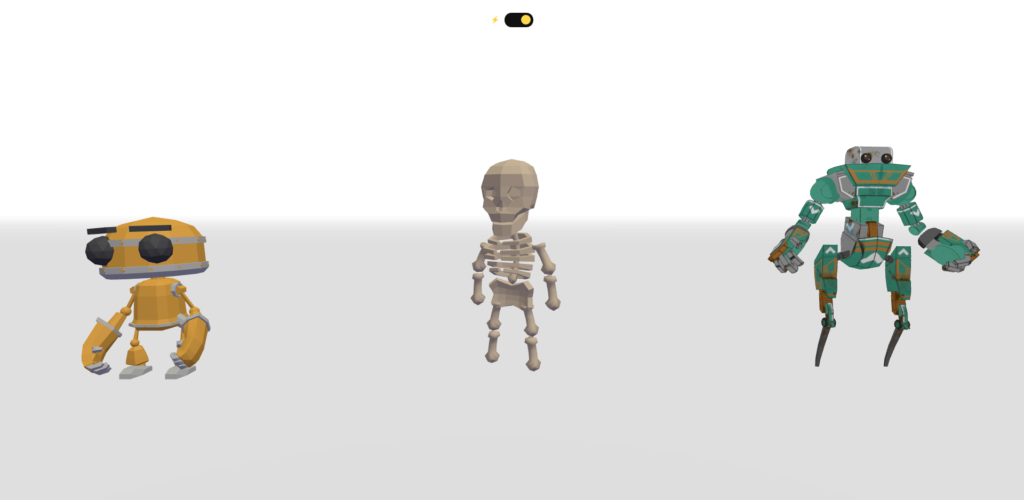
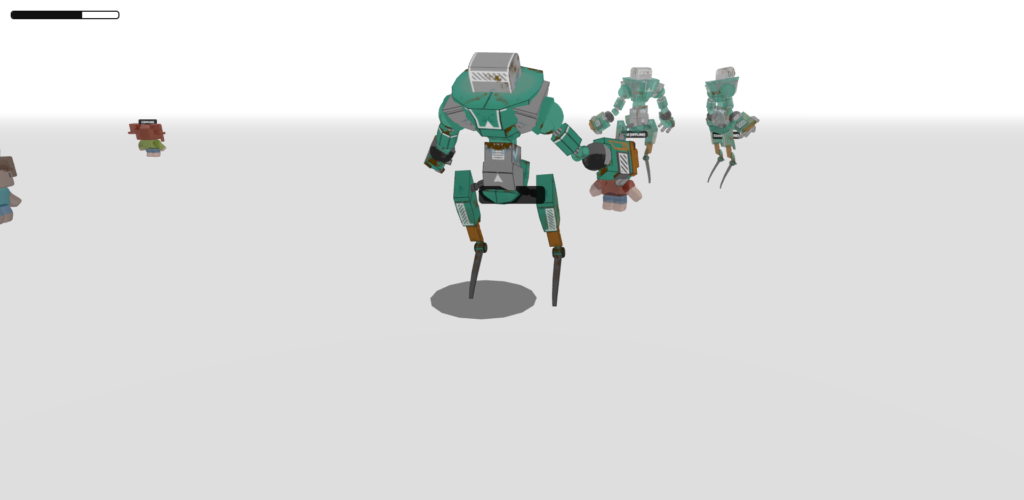
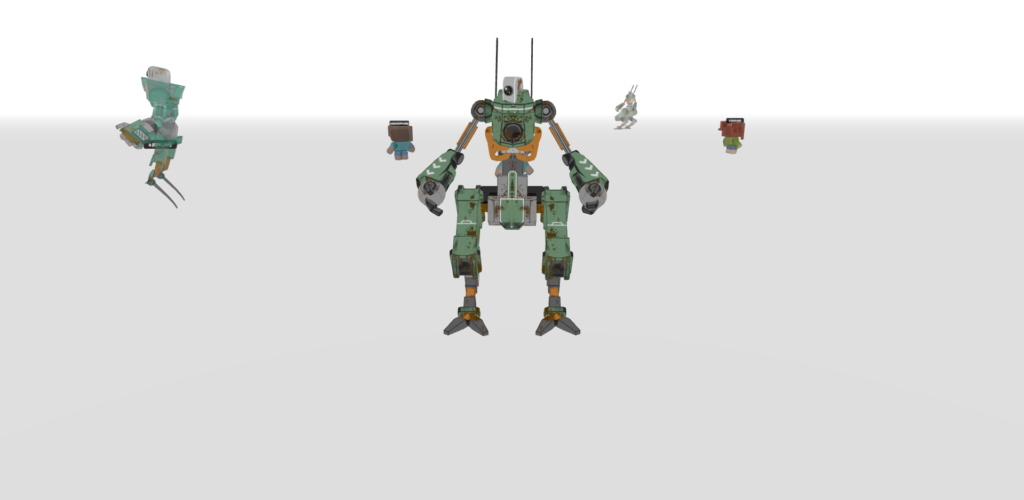
Our social 3D world was peaceful—too peaceful. To add some excitement, we decided to implement Thunder Mode, a survival challenge where players dodge procedurally generated lightning strikes. However, adding a complex “game mode” to a social engine often leads to “spaghetti code” and performance death.
Here is how we built a high-performance, modular weather system that creates zero load on the server and stays silky smooth on mobile.
1. The Strategy: Complete Modularity
The biggest mistake in web game dev is cramming every new feature into the main animate() loop. Instead, we built thunder.js as a Self-Contained Module.
When you load the script, it automatically injects its own CSS, creates its own HTML overlays (Health bars, toggle buttons), and manages its own internal state. If we remove the script, the game still runs perfectly.
The “Zero-Server-Load” Logic:
We don’t sync lightning positions through the server. Instead, each client calculates its own “personal” lightning. This means the server only handles player positions, while the heavy math happens locally on the user’s device.
2. Visual Optimization: The “Double-Layer” Bolt
Initially, we used full-screen blue flashes and camera shakes to simulate thunder. Result: FPS dropped to 10 on mobile. CSS background changes trigger “layout reflows,” which are expensive.
We pivoted to a purely 3D visual approach using a Two-Layer Bolt system:
- The Core: A thin, bright white TubeGeometry.
- The Glow: A thicker blue tube using AdditiveBlending.
code JavaScript
// High-performance bolt geometry logic
createBolt(x, z) {
    const pts = generateZigZagPoints(x, z);
    const curve = new THREE.CatmullRomCurve3(pts);

    // Core (White) - 4 radial segments (square tube)
    const core = new THREE.Mesh(new THREE.TubeGeometry(curve, 16, 0.04, 4), coreMat);

    // Glow (Blue + Additive Blending) - 6 radial segments (hexagonal tube)
    const glow = new THREE.Mesh(new THREE.TubeGeometry(curve, 16, 0.2, 6), glowMat);

    boltGroup.add(glow, core);
    return boltGroup;
}3. Progressive Difficulty
A static game is a boring game. We implemented a difficulty scalar that increases every second you stay alive. This variable controls four things simultaneously:
- Spawn Rate: From one bolt every 2 seconds down to four bolts per second.
- Warning Time: The red “danger zone” circle stays on the ground for less time.
- Max Bolts: Increases the cap on how many bolts can be on screen at once (up to 15).
- Spawn Radius: As you survive, lightning fills a wider area around you.
4. Integrating GLB Death Animations
Manual character rotation looked “fake.” We wanted to use the professional animations built into our GLB models.
The Challenge: If you simply play the death animation in a loop, the character keeps dying and standing up repeatedly. To fix this, we implemented a State-Change Check.
code JavaScript
// Inside the main animation loop
const isHit = thunder.isDead || thunder.isKnockedDown;

if (isHit) {
    // Only trigger the animation ONCE when the state changes
    if (lastAnim !== 'death') {
        deathAction.reset().setLoop(THREE.LoopOnce).play();
        deathAction.clampWhenFinished = true; // Stay on the last frame
    }
    anim = 'death';
} else {
    anim = 'idle';
}
lastAnim = anim;5. Framing the Chaos: UI Positioning and Depth
To improve the user experience, we made two major aesthetic adjustments:
- The 40% Rule: We adjusted the camera’s look at target to Y=3.5. This tilts the view slightly upward, pushing the character selection slider to the bottom 40% of the screen. This keeps the characters visible but leaves the top of the screen clear for the environment.
- Atmospheric Clarity: We thinned the fog by changing the far distance from 75 to 150. This makes the world feel larger and gives players more time to see the environment while they are dodging strikes.
- Expanded Roster: We expanded the character pool, supporting a full lineup of models from 01.glb to 09.glb, giving players more ways to express themselves before the storm hits.
6. The “Wasted” Loop: Delayed Restart
Survival games need a moment of impact. When a player finally loses all health, we don’t show the menu immediately. We added a 2-second delay where the camera lingers on the fallen character before the “START AGAIN” button fades in. This makes death feel meaningful and gives the player a moment to breathe before jumping back in.
The Result
By keeping the code modular, we managed to:
- Maintain 60 FPS: By avoiding CSS-based screen effects and using low-poly 3-sided tubes for bolts.
- Improve Visuals: The additive blue glow looks far more “electrifying” than a simple white line.
- Keep the Engine Clean: The main index.html only needs one or two lines to “talk” to the Thunder System.
Next time you see a red ring on the floor, you have exactly 0.8 seconds to move—Good Luck!
https://aistudio.google.com
MORE NEW GLB – https://pixabay.com/3d-models/search/glb/