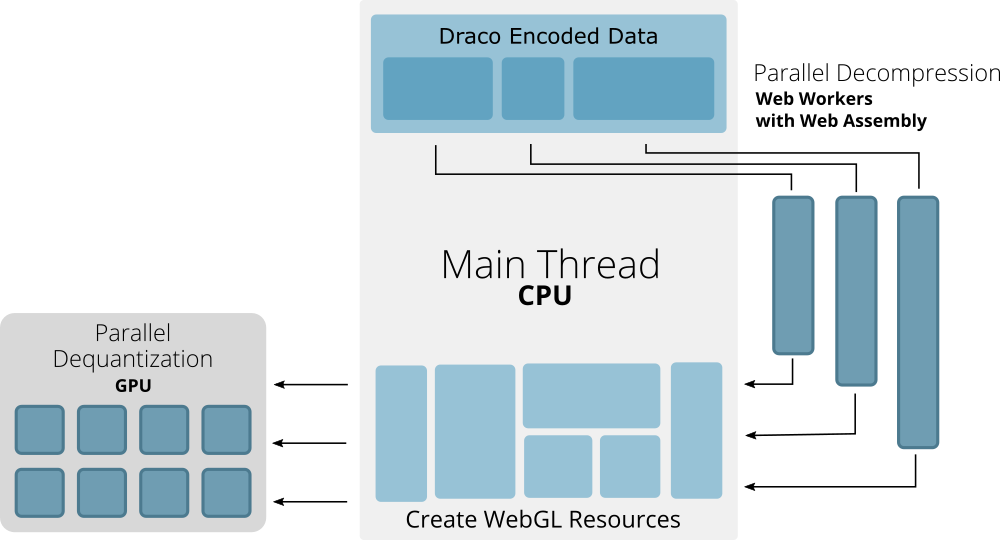
To compress run_output.glb (and your other generated GLB files), you can apply Draco mesh compression and animation resampling directly from your Debian terminal.
Step 1: Compress the File You Just Created
Run @gltf-transform/cli directly on run_output.glb:
Bash
gltf-transform draco run_output.glb run_compressed.glb
To verify the file size reduction, check the before and after sizes:
Bash
ls -lh run_output.glb run_compressed.glb
Step 2: Compress Animation Keyframes (Optional)
Draco compresses 3D geometry (vertices, normals, UVs), but Mixamo animations often contain thousands of redundant keyframe tracks. To compress the animation keyframe data as well, run resample:
Bash
gltf-transform resample run_compressed.glb run_final.glb
Step 3: Compress All FBX Files in Your Folder at Once
To convert and Draco-compress every .fbx file in your battle directory in a single loop, run:
Bash
for f in *.fbx; do
  fbx2gltf -i "$f" -o "${f%.fbx}.glb"
  gltf-transform draco "${f%.fbx}.glb" "${f%.fbx}_compressed.glb"
  rm "${f%.fbx}.glb"
done
This will produce optimized _compressed.glb versions of all your animations.